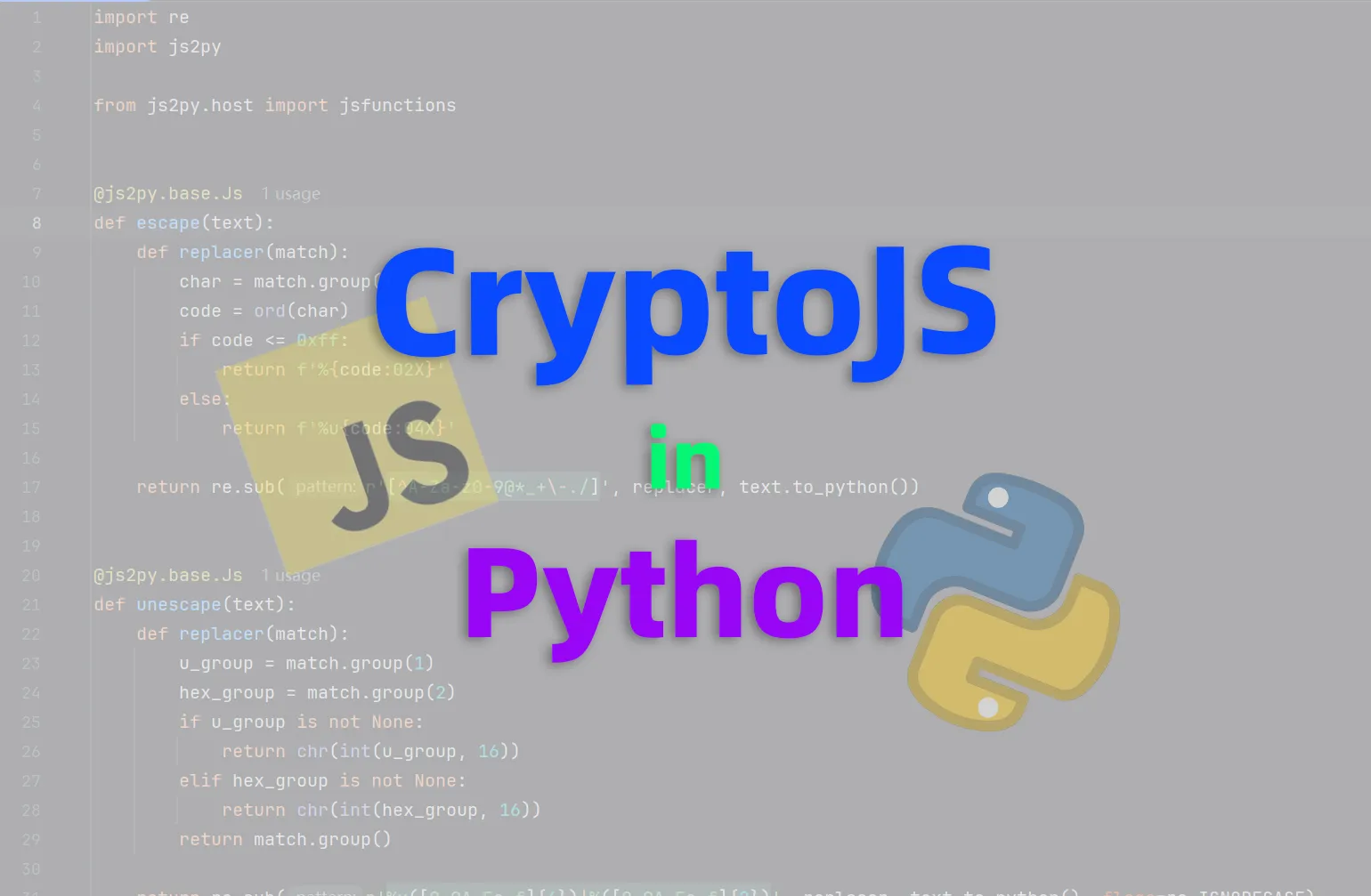
在使用 Python 爬虫的时候需要使用到类似于前端的 CryptoJS 库来生成密文或者解密密文,以达到反反爬虫的目的。但是在 Python 中并不好实现 JavaScript 的 CryptoJS 库。
所以可以使用 js2py 来直接运行 JavaScript 代码调用 CryptoJS 库。
使用示例
# pip install js2py

import js2py

CryptoJS = js2py.require('crypto-js')

plain_string = "Hello😀!这是一段明文。"
encrypted_string = CryptoJS.AES.encrypt(plain_string, "test").toString()
decrypted_string = CryptoJS.AES.decrypt(encrypted_string, "test").toString(CryptoJS.enc.Utf8)
如果没有安装 NodeJS 环境,直接导入脚本也是可行的:
# 替换掉 CryptoJS = js2py.require('crypto-js')
context = js2py.EvalJs()

with open('./crypto-js.min.js', 'r') as f:
    context.eval(f.read())

CryptoJS = context.eval('CryptoJS')
修复编解码漏洞
由于 js2py 代码中错误将 escape 和 unescape 函数的实现等同于 URI 编解码,所以导致了非 ASCII 编解码不正确的问题,提供修复方法:
import re

import js2py
from js2py.host import jsfunctions


@js2py.base.Js
def escape(text):
    def replacer(match):
        char = match.group()
        code = ord(char)
        if code <= 0xff:
            return f'%{code:02X}'
        else:
            return f'%u{code:04X}'

    return re.sub(r'[^A-Za-z0-9@*_+\-./]', replacer, text.to_python())


@js2py.base.Js
def unescape(text):
    def replacer(match):
        u_group = match.group(1)
        hex_group = match.group(2)
        if u_group is not None:
            return chr(int(u_group, 16))
        elif hex_group is not None:
            return chr(int(hex_group, 16))
        return match.group()

    return re.sub(r'%u([0-9A-Fa-f]{4})|%([0-9A-Fa-f]{2})', replacer, text.to_python(), flags=re.IGNORECASE)


jsfunctions.escape = escape
jsfunctions.unescape = unescape

# 这里可以继续执行加密相关代码
已提交 PR 等待开发者合并。